A Sequence of Place-enabled Photos or Videos

A Rich Multimedia Narrative
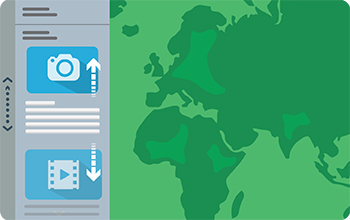
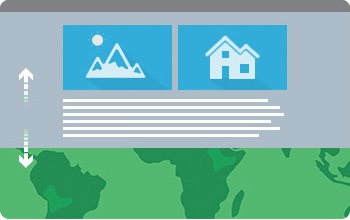
Story Map Cascade℠
Create a visually and editorially engaging full-screen scrolling experience for your audience blending narrative text, maps, 3D scenes, images, videos, etc. Sections containing text and in-line media can be interspersed with "immersive" sections that fill the screen, including map animations and transition effects.
BUILD OVERVIEW GALLERY TUTORIAL FAQS TIPSPresenting a Series of Maps


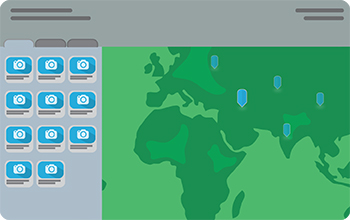
Story Map Series℠ - Bulleted Layout
Present a series of maps via numbered bullets, one map per bullet. It's a good choice when you have a large number of maps or locations to present. There's an optional description panel for presenting text and other content associated with each map.
BUILD OVERVIEW GALLERY TUTORIAL FAQSA Dynamic Collection of Crowdsourced Photos
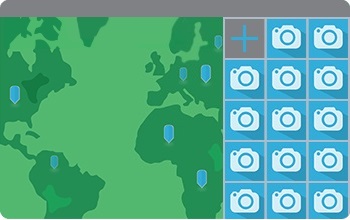
Story Map Crowdsource℠ BETA
Publish and manage a crowdsourced story to which anyone can contribute photos with captions. Use Crowdsource to engage your audience and collect their photos and experiences, thoughts or memories on the subject of your choice, all linked to a map. A vetting function lets you review and approve contributions.
BUILD OVERVIEW GALLERY TUTORIAL FAQS TIPSA Curated Set of Places of Interest
Comparing Two Maps
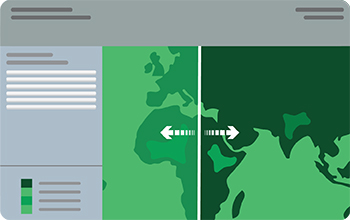
Story Map Swipe℠
Let your users compare two separate web maps or two layers of a single map by sliding a swipe tool back and forth.
BUILD OVERVIEW GALLERY TUTORIAL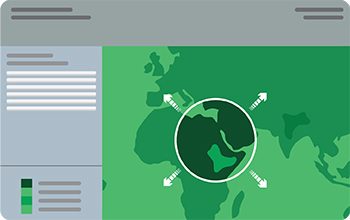
Story Map Spyglass℠
This app is similar to Swipe but enables your users to peer through one map to another with a spyglass tool.
BUILD OVERVIEW GALLERY TUTORIALPresenting One Map

Story Map Basic℠
Present a map via a very simple user interface. Apart from the title bar and an optional legend, the map fills the screen. Use this app to let your map speak for itself.
OVERVIEW GALLERY TUTORIALCustom Story Map Designs

Custom story maps are developed for particular projects, and to help prototype designs that we can turn into new apps.
GALLERY